Do You Really Own That E‑Book? What “Buy Now” Usually Means
You paid for the e-book, so it’s yours… right? Here’s what you actually get when you “buy” digital books, why titles can vanish, and how to protect your library.
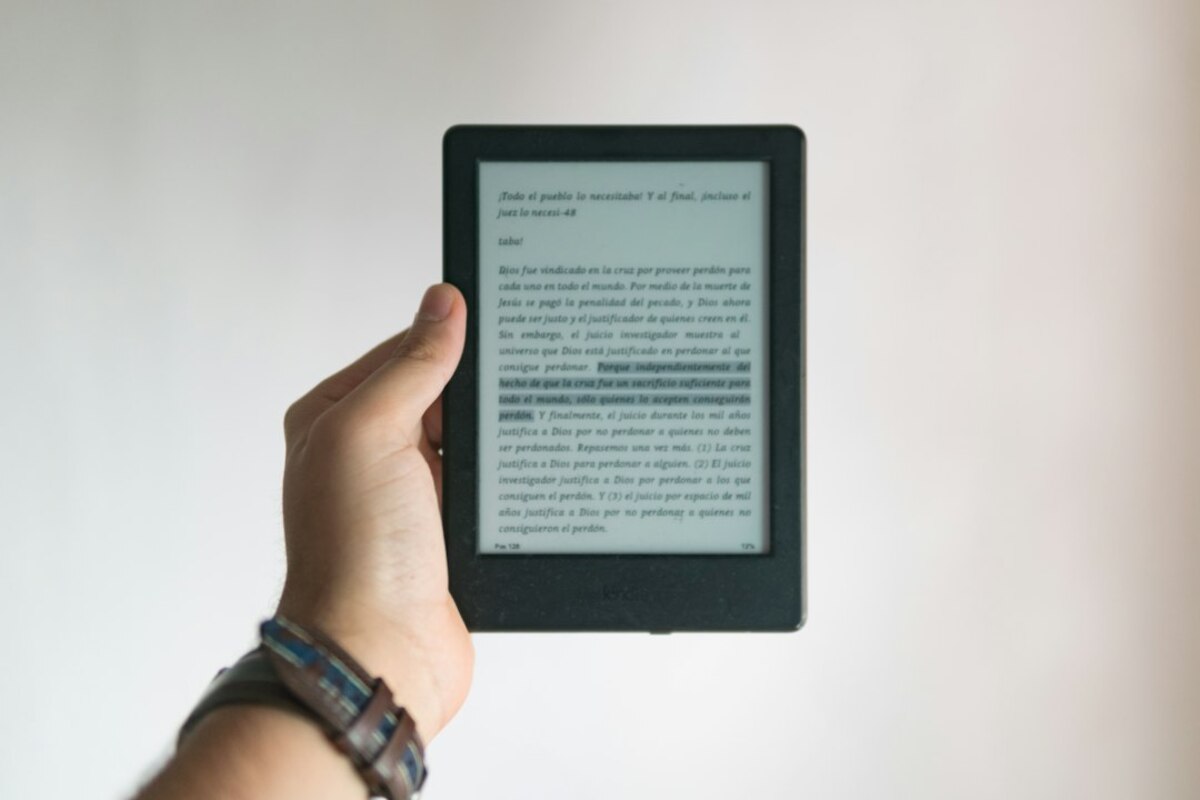
- Most e-book “purchases” are licenses, not traditional ownership—your rights can be limited by platform rules.
- Books can disappear due to licensing disputes, account issues, or format/DRM changes—even if you paid.
- You can lower risk by choosing DRM-free options, backing up where allowed, and keeping purchase records.
The surprising difference between owning a book and licensing a file
Imagine you walk into a bookstore, pay for a paperback, and put it on your shelf. That copy is yours in a very simple, everyday sense: you can lend it to a friend, resell it, donate it, scribble notes in the margins, or keep it for 30 years. No one can reach into your home and “un-sell” it to you.
Now swap the paperback for an e-book with a bright “Buy now” button. It feels like the same deal, but most of the time it’s not. In many digital stores, you’re not buying a copy in the traditional sense—you’re buying a license to access the book under certain conditions. That license is governed by the platform’s terms and the publisher’s agreements.
A practical analogy: buying a printed book is like buying a bicycle. Buying an e-book is often more like paying for a long-term parking pass that lets you use a bicycle that stays inside a specific garage. You can ride it, but the garage sets rules: where you can take it (which devices/apps), whether you can lend it, and what happens if your pass is canceled.
This is why two people can pay the same price—one for a hardcover, one for an e-book—and end up with very different powers. One can resell; the other often can’t. One can lend freely; the other may have limited lending (or none). One can keep reading even if a company goes out of business; the other might lose access if the platform changes or an account is locked.
It’s not that e-books are “bad.” They’re convenient, searchable, and instantly delivered. But the word buy in digital storefronts often hides a more complicated reality.

How e-books can disappear (and why it’s usually not personal)
Most people only think about digital ownership when something goes wrong. A title that was in your library is suddenly unavailable, a device breaks and you can’t re-download, or an app says your account needs verification and your books are temporarily out of reach.
Here are common, real-world reasons an e-book can vanish or become unusable, even after payment:
- Licensing changes between publisher and store: Sometimes a store loses the right to sell or distribute a title. The listing disappears. In some cases, access for existing customers remains; in other cases, the book may become unavailable to download again, especially in certain regions.
- Account issues: If your account is closed, compromised, or flagged (even mistakenly), your library access can be interrupted. With physical books, a store can’t lock your bookshelf. With digital libraries, the account is the “key.”
- Region and travel effects: Digital rights are often negotiated country by country. Moving to a new country, changing payment details, or using a new regional storefront can affect what you can see or download.
- DRM (Digital Rights Management) restrictions: DRM is a lock that controls copying and reading on approved apps/devices. If the authorization breaks, the device changes, or the app is discontinued, the “lock” can become the obstacle.
- Platform shutdowns or policy shifts: If an e-book service closes, merges, or changes its app support, you may need to take action quickly (export, download, transfer) to keep access—if that’s even offered.
Think of it like buying tickets stored in an app. The ticket is real, your payment is real, and the event is real—but access relies on a system working: your account, the app, and the organizer’s agreement. If any link changes, you might have to jump through hoops you never needed with paper.
To make the landscape clearer, here’s a quick comparison of what “ownership-like” rights usually look like across formats:
| What you want to do | Printed book you bought | Typical e-book “purchase” |
|---|---|---|
| Read anywhere, anytime | Yes (no account needed) | Usually yes, but often tied to account/app and device authorization |
| Lend to a friend | Yes | Sometimes limited, often not allowed or restricted by platform |
| Resell or donate | Yes | Usually no (license is non-transferable) |
| Keep it if the store disappears | Yes | Depends on whether you can download and read without that store’s ongoing support |
| Move it to any device/app you like | N/A | Sometimes limited by DRM formats and ecosystem lock-in |
Notice how many “maybe” and “depends” answers show up for e-books. That’s the core difference: digital access is often conditional.
What you can do: simple habits to make your digital library more “yours”
You don’t need to become a copyright expert to protect yourself. A few practical choices can reduce surprises and help you feel more in control.
1) Prefer DRM-free when it’s available (especially for reference books you’ll keep)
Some stores and publishers offer DRM-free e-books—meaning there’s no platform lock preventing you from reading the file in different apps or backing it up like other personal documents. Not every title is offered this way, but when it is, it’s the closest thing to “I own this file.”
Real-life scenario: You buy a cooking e-book you plan to use for years. A DRM-free version means you can keep a copy on your laptop, tablet, and a backup drive, and still open it even if you change devices later.
2) Keep your receipts and order history
It sounds boring—until you need it. Save emails or screenshots of purchases for big-ticket digital items (textbooks, professional manuals, boxed sets). If a title disappears from your library due to a glitch or account mix-up, proof of purchase makes support conversations easier.
3) Learn the difference between “download” and “offline access”
Many apps say “downloaded” when they really mean “cached for offline reading inside this app.” That’s not necessarily the same as having a standard file you can store elsewhere. If long-term access matters, check what you’re actually getting: a portable file (like EPUB/PDF) or an app-only copy.
4) Reduce single-point-of-failure risk
Your e-book library is often only as stable as one login. Use strong account security (unique password, two-factor authentication where offered) and keep recovery options updated. Losing access to an email address can cascade into losing access to your books.
5) Think about “ecosystem lock-in” before you build a huge library
It’s convenient to buy everything in one place—until you want to switch devices or prefer another reading app. Before you invest heavily, ask a simple question: If I change my phone brand or e-reader, will I still be able to read what I buy today?
6) Understand what “family sharing” and “lending” really mean
Some platforms allow sharing with household members, but the rules can be strict: limited number of accounts, shared payment methods, or restrictions per title. If you’re buying books for a family of readers, check sharing features first—otherwise you may end up repurchasing the same book.
In many ecosystems, you’re paying for a license to access the book under certain terms. That means access can be affected by account status, licensing disputes, or platform changes. It’s not common day-to-day, but it’s possible—and that’s the key difference from a physical copy.
In many ecosystems, you’re paying for a license to access the book under certain terms. That means access can be affected by account status, licensing disputes, or platform changes. It’s not common day-to-day, but it’s possible—and that’s the key difference from a physical copy.
Not always. Sometimes you get a standard file you can store and open in various readers. Often, you get app-bound access controlled by DRM and tied to an account. The “Download” button may still keep the book inside the app rather than giving you a freely usable file.
Not always. Sometimes you get a standard file you can store and open in various readers. Often, you get app-bound access controlled by DRM and tied to an account. The “Download” button may still keep the book inside the app rather than giving you a freely usable file.
With physical books, yes—easy. With e-books, it’s often complicated because licenses are commonly non-transferable and tied to an individual account. Some families handle this through household sharing tools where allowed, but it’s not the same as inheriting a box of books.
With physical books, yes—easy. With e-books, it’s often complicated because licenses are commonly non-transferable and tied to an individual account. Some families handle this through household sharing tools where allowed, but it’s not the same as inheriting a box of books.
One more everyday way to think about it: a printed book is an object you control. An e-book is often a service-like access product packaged to feel like an object. That doesn’t mean you should stop buying e-books—it just means it’s smart to buy them with the same awareness you’d bring to any long-term subscription or cloud-stored purchase.
When you know the rules, you can pick the right format for the moment: app-based convenience for casual reads, and more flexible options (like DRM-free where possible) for books you want to keep close for years.