Why Your Phone Charger Gets Warm: What’s Normal, What’s Not, and How to Charge Smarter
That warm charger brick isn’t always a problem. Learn what causes the heat, what “normal” feels like, and easy habits that reduce risk and waste.
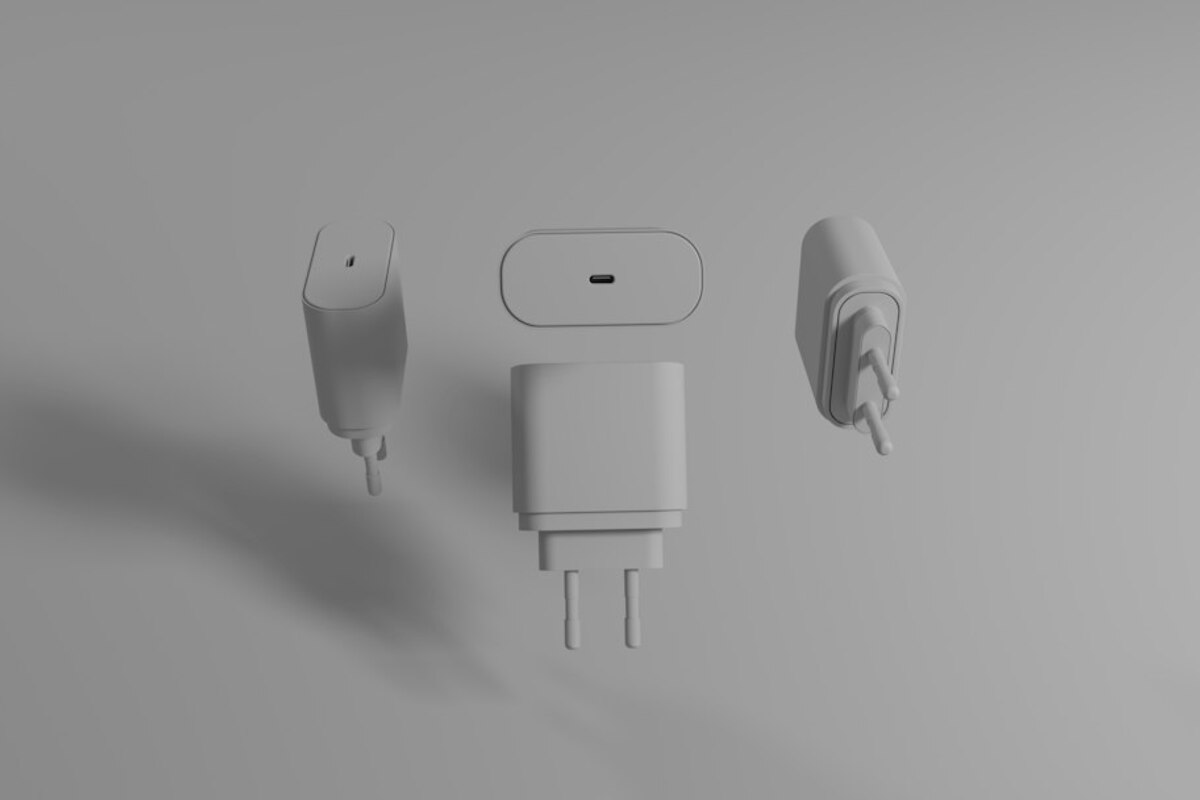
- Mild warmth is common because chargers convert AC to DC and lose some energy as heat.
- Heat spikes often come from fast charging, poor cables, blocked airflow, or cheap adapters—not just “old batteries.”
- Simple habits (good cable, ventilation, right wattage, no bedding/sofas) make charging cooler, safer, and more efficient.
That warm charger feeling: a small everyday mystery
You pick up your phone after a while on the charger and notice the charging brick (or the power bank, or the laptop USB‑C charger) is warm. Not “ouch” hot—just noticeably warm. Your brain instantly asks: Is this normal… or is something about to melt?
This is one of those modern-life moments that almost everyone experiences, yet few people have had explained in plain language. The good news: a little warmth is often completely normal. The not-so-good news: heat can also be a clue that something in your setup—cable, adapter, outlet, charging habits—could be inefficient, wasteful, or in rare cases unsafe.
Think of a charger like a small translator between the wall outlet and your phone battery. The outlet speaks “high-voltage AC.” Your phone wants “low-voltage DC.” Translating takes work, and whenever work happens, some energy is lost as heat—like how a laptop fan blows warm air because it’s moving energy around.

Where the heat actually comes from (in human terms)
Charging looks simple—plug in, battery fills—but inside the brick and the phone, several things are happening at once. Here’s the everyday version of the main heat sources:
1) Power conversion inside the charger
Most wall chargers convert AC (alternating current) from your outlet into DC (direct current) your phone can use. That conversion isn’t 100% efficient. Even good chargers waste a small percentage as heat. If your phone is drawing 20 watts and your charger is 90% efficient, about 2 watts become heat. Two watts doesn’t sound like much, but in a tiny plastic brick with limited surface area, you’ll feel it.
2) Fast charging = more power = more heat to manage
Fast charging pushes higher power, especially at the start when your battery is low. More power means more heat in both the charger and the phone. This is why your charger may feel coolest when trickle-charging near 100%, but warmer when you’re jumping from 10% to 60% quickly.
3) Cable and connector losses (the “thin straw” problem)
If the cable is low quality, too thin, damaged, or simply not rated for the power being used, it acts like a narrow straw trying to deliver a big drink. Resistance in the cable and connectors turns some power into heat. Sometimes the charger brick isn’t the main issue—the USB plug ends are. If the connector area feels hotter than the brick, pay attention.
4) Airflow and surroundings
A charger that’s fine on a desk can run much warmer under a pillow, on a sofa, or in a cluttered power strip area. Heat needs somewhere to go. If you trap it, everything runs hotter, including the phone battery—which is the part you most want to keep cool for long-term health.
5) Real-world scenario: charging at your bedside
You plug in at night, toss the phone on the bed, and the charger brick slides under the blanket. It’s still “working normally,” but now it’s trying to dump heat into a soft, insulated environment. That’s when “warm” becomes “hot,” even if nothing is technically broken.
| What you notice | Most likely cause | What to do |
|---|---|---|
| Brick feels mildly warm, phone charges normally | Normal conversion losses, especially with fast charging | Keep it ventilated; this is usually fine |
| Brick is hot to hold, especially in a tight space | Poor airflow, high load, or cheap/inefficient charger | Move to open air; use a reputable charger with correct wattage |
| USB plug end gets hotter than the brick | Cable/connector resistance, dirty port, worn plug | Try a new certified cable; clean port carefully; replace loose connectors |
| Charging is slow and charger runs hot | Charger struggling, cable not rated, or device negotiating lower power | Use a higher-quality cable/adapter; avoid no-name bricks |
| Smell of melting plastic, buzzing, discoloration | Faulty hardware or arcing connection | Unplug immediately; stop using; replace charger/cable |
What “normal warm” means—and the red flags people ignore
People often ask for a magic temperature number. In daily life, you don’t carry a thermometer—you use touch. So here’s a practical way to think about it:
- Normal-ish warmth: noticeable warmth but comfortable to hold for several seconds. This is common with fast charging, compact GaN chargers, and higher-wattage USB‑C adapters.
- Concerning heat: you instinctively drop it, you can’t keep your fingers on it, or it feels “angry hot.” Heat like that means something is off: too much load, poor ventilation, failing components, or a bad cable/connection.
Now the red flags—these matter more than “it feels warm”:
- Burning smell (plastic or chemical odor). Heat + smell is not “normal charger heat.”
- Crackling, buzzing, or popping from the brick or outlet.
- Visible discoloration on the plug blades, USB port, or cable ends.
- Intermittent charging (connect/disconnect loops), which can cause repeated power renegotiation and extra heating.
- Loose connection where the plug wiggles and charging cuts in and out. Loose contacts can arc microscopically, creating hot spots.
Another common misunderstanding: people blame the phone battery first. Battery age can affect heat inside the phone, but a charger brick running unusually hot is more often about the charger/cable/outlet environment than the battery itself.
Good-quality chargers are designed for being left plugged in, but they still draw a tiny “idle” power and stay slightly warm. If a charger is noticeably warm with nothing connected, it can be inefficient or failing—swap it for a reputable model.
Good-quality chargers are designed for being left plugged in, but they still draw a tiny “idle” power and stay slightly warm. If a charger is noticeably warm with nothing connected, it can be inefficient or failing—swap it for a reputable model.
Fast charging moves more power. More power means more conversion work and more heat to shed. Many modern chargers are also smaller, so they feel warmer because the same heat is concentrated in a compact case.
Fast charging moves more power. More power means more conversion work and more heat to shed. Many modern chargers are also smaller, so they feel warmer because the same heat is concentrated in a compact case.
Yes. Soft materials trap heat and can cover the charger’s surfaces that normally release warmth. This can raise temperatures in the charger and in your phone battery, especially during fast charging.
Yes. Soft materials trap heat and can cover the charger’s surfaces that normally release warmth. This can raise temperatures in the charger and in your phone battery, especially during fast charging.
Charging smarter: small habits that keep things cooler
You don’t need to become an electrical expert to reduce charger heat. Most improvements are simple “setup” choices that pay off every day.
Use the right wattage—bigger isn’t always better, but too small can run hot
Using a higher-wattage reputable charger (for example, a 30W USB‑C PD charger for a phone that typically draws up to ~20–27W) is usually fine because the phone only takes what it needs. But using an underpowered, bargain charger that’s pushed to its limits can run hotter and charge slower.
Pick cables like you pick shoes: the cheap ones cause problems fast
Cables matter more than people think. A cable that’s not rated for the charging mode you’re using can heat up, throttle charging, or stress the charger. If you see “charging rapidly” sometimes and “charging” other times with the same brick, the cable may be the weak link.
- For USB‑C fast charging, look for reputable brands and clear power ratings (for example, 60W or 100W for USB‑C cables).
- If a cable end feels hot, the connector may be worn or dirty—replace the cable and inspect the phone port.
Give chargers air like you’d give a laptop air
A charger brick doesn’t have a fan, so it relies on its outer shell to release heat. Place it on a hard surface with airflow. Avoid piling adapters together in a tight power strip where they “heat soak” each other.
Watch for heat stacking: phone + case + fast charge + gaming
Heat adds up. Charging while gaming, using GPS in the sun, or running video calls can warm the phone at the same time the battery is charging. The charger may not be the only warm part, but the combined heat is what matters for comfort and battery wear.
Try a real-life comparison
Imagine filling a bathtub:
- Fast charging is like turning the faucet on full blast at the start—more splashing, more energy moving, more heat to manage.
- Near full, the flow slows down—less energy moving, less heat.
Be cautious with ultra-cheap “no-name” chargers
Reputable chargers tend to be more efficient (less wasted heat) and better protected against faults. Cheap chargers may run hotter because they waste more power during conversion or use lower-quality components. Even when they “work,” they can be hotter and less stable under load.
When to replace a charger (even if it still charges)
If you notice any of the following, treat it like replacing a frayed extension cord—don’t wait:
- Charger brick stays hot even at light loads or with no device attached.
- Cable ends are discolored, warped, or loose.
- Charging cuts in and out when the cable moves slightly.
- The brick makes noise, smells odd, or shows cracks.
A quick “cooler charging” setup you can copy today
- Place the charger on a nightstand (not under bedding).
- Use a short, certified cable suited for fast charging.
- If you use a power strip, leave space between bulky adapters.
- If the phone is warm, remove heavy insulating cases during long charges.
Most of the time, a warm charger is simply the cost of turning wall power into battery power. But the temperature you feel is also useful feedback: it tells you how hard your charging setup is working, and whether you’re wasting energy as heat—or keeping things comfortably efficient.